
LinkedIn is cutting reach for AI slop. What ghostwriting agencies should show clients now
LinkedIn is cutting reach for posts it classifies as AI slop. What ghostwriting agencies should change in the writing and show clients instead of impressions.
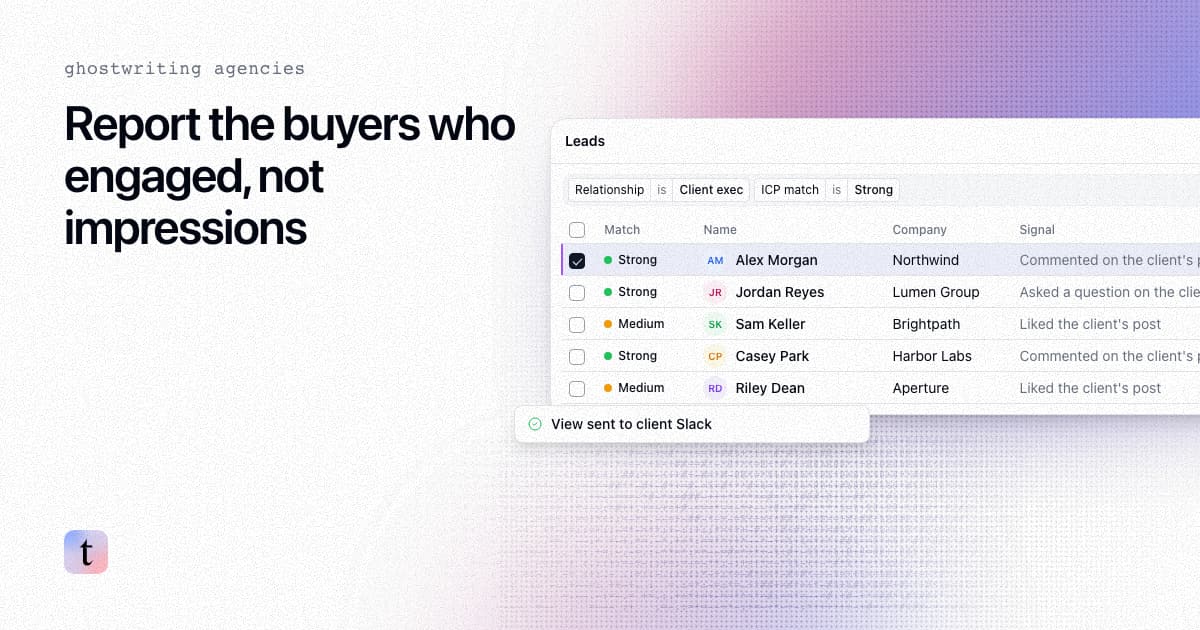
TL;DR: LinkedIn is reducing the reach of posts it classifies as AI slop, which it describes as generic or repetitive posts that add no real insight. Members have been able to flag posts as slop since summer 2026, and on October 8 LinkedIn VP of Engineering Tim Jurka said its classifiers now screen posts distributed beyond a member's immediate network. For a ghostwriting or content agency, that changes two things: posts built on the client's own stories and specifics matter more, and impressions become a weaker number to report. The report that holds up is a list of the people who engaged and fit the client's buyer profile.
Last checked: November 9, 2026.
What is LinkedIn doing about AI slop?
The timeline from public reporting:
When | What happened |
|---|---|
By August 2026 | LinkedIn added an option to report a post as suspected AI slop from the feed |
Under three weeks later | LinkedIn said more than 1 million people had used it |
August 2026 | LinkedIn reported 40 percent fewer views of AI slop than a few weeks earlier |
October 8, 2026 | LinkedIn VP of Engineering Tim Jurka said classifiers now cover posts distributed beyond your immediate network, with 94 percent precision |
Sources: Social Media Today on August 20, 2026 for the first three rows and on October 8, 2026, which quotes Jurka's LinkedIn post, for the last.
Jurka described a "teacher-student" setup in which large models learn new slop patterns and generate training data for smaller models, so they pick up new patterns quickly. Separate agents each check one policy and pass unclear cases to human reviewers, and member reports feed into that training.
Two details matter for agencies. LinkedIn's description is about generic and repetitive content, and a LinkedIn spokesperson told Social Media Today in August that using AI to refine language is fine. And the screening sits on distribution beyond a member's network, which is the reach that puts a client's post in front of people who do not know them yet. We covered the news itself in LinkedIn now screens out-of-network posts for AI slop.
Does LinkedIn penalize every post written with AI?
Based on what LinkedIn has said, including its August comments to Social Media Today, the target is posts that read as generic and add no insight. A post drafted with a tool and then rebuilt around a client's own numbers, decisions and customer conversations is a different thing from a post a tool produced on its own.
The 94 percent figure is precision: how many of the posts flagged as slop were slop. It does not say how much slop gets through or how many acceptable posts lose some reach, so expect some noise in reach numbers.
What should ghostwriting agencies change in the writing?
Most agencies already know what separates a client's voice from filler. The filter makes skipping that work more expensive. Checks before a post ships:
One fact only the client could know. A number from their business, a decision they made and why, a customer conversation or a mistake.
A point of view someone could disagree with. Generic posts agree with everyone.
No interchangeable openers and closers. If the first and last lines could sit on any founder's post, rewrite them.
Interview time on the calendar. Specific posts come from the client, so the monthly call matters more than the prompt.
Why do impressions make a weaker client report now?
Impressions were already a soft number for a client paying for business results. Three things make them softer:
Reach can drop for reasons you cannot see. A classifier with 94 percent precision still makes mistakes, and LinkedIn has not said it tells authors when its classifier limits a post's reach. It has said it will privately flag member slop reports in post analytics, so check there.
Reach can arrive later. Richard van der Blom's November 2026 newsletter, based on more than 1.2 million posts, reports that 85 percent of a post's reach arrives after its first two hours (his newsletter), so a snapshot taken too early undercounts. We covered this in LinkedIn post reach after the first two hours.
Clients compare month to month. If the filter cuts a client's reach, the client sees a drop in your report and may blame the content.
Who engaged is a sturdier number. A named buyer who commented is still a named buyer whether reach rose or fell.
What should the client report show instead?
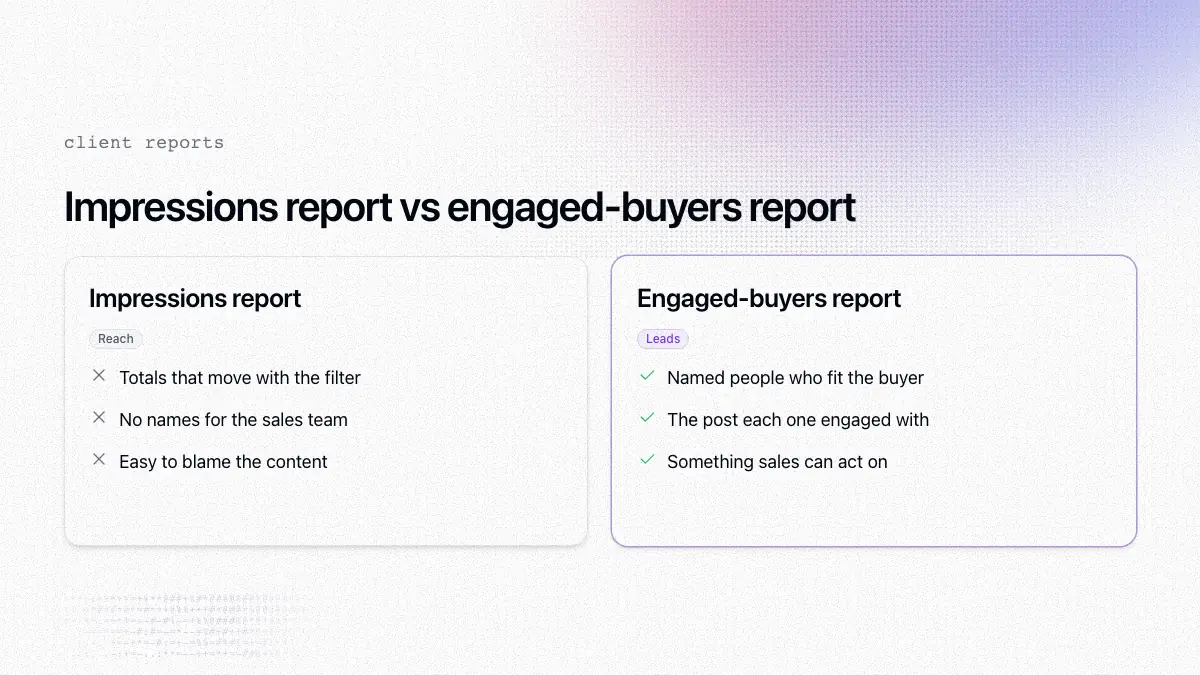
A report a client's sales team can act on lists people rather than totals. For each post in the period:
Column | Why it matters |
|---|---|
Name, title and company of each engager who fits the client's buyer profile | The sales team can see who they could contact |
ICP match | Separates buyers from peers, friends and other creators |
What they did: reacted, commented, or commented with a question | A comment gives the sales team something to respond to |
Which post they engaged with | Shows which topics reach buyers, which feeds the next content plan |
Our guide to showing clients which LinkedIn posts brought in leads walks through the full report, and how a content agency proves ROI covers why this kind of report helps agencies keep clients.
How do you build that report with traxy?
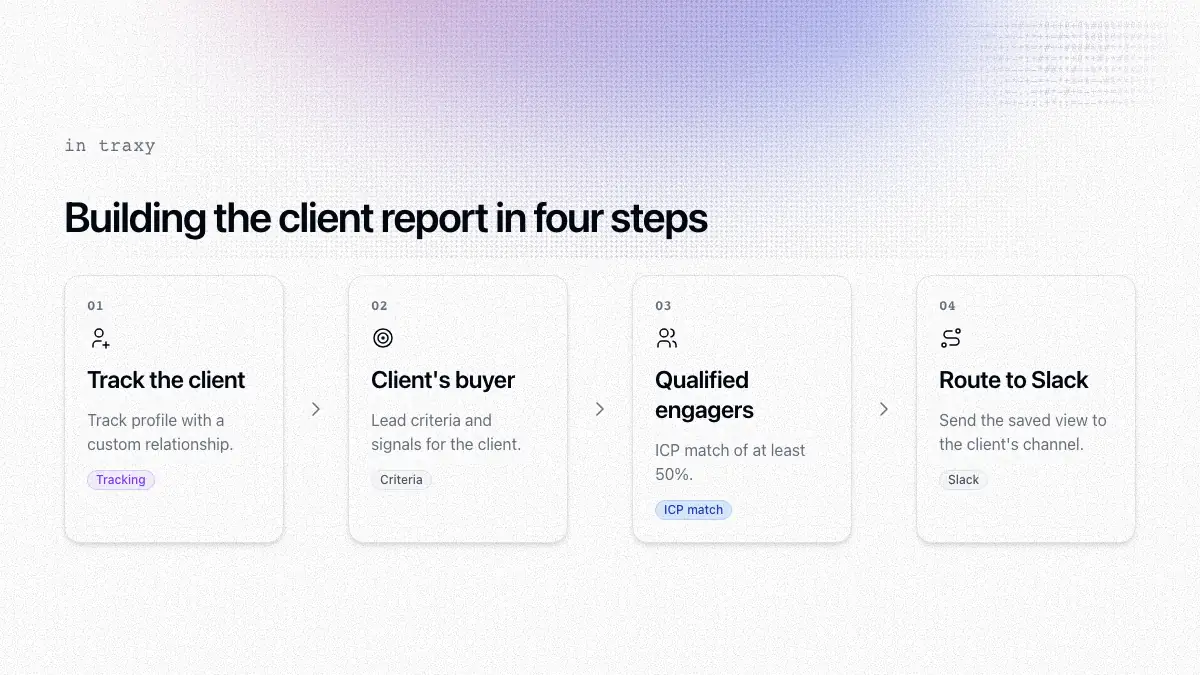
Track the client's profile. Open Targeting > People, choose Track profile from the New menu and paste the client's LinkedIn URL (Tracking). Pick a relationship. The built-in options are Competitor, Teammate, Influencer, Investor and Custom, so a custom label such as "Client exec" works here.
Describe the client's buyer. Set lead criteria for the roles, seniority, company size and industry the client sells to, and signals for the problems the client's offer solves (lead criteria, signals).
Review the qualified engagers. For an active profile, ongoing monitoring follows the five most recent posts published after you added it. Only people with an ICP match of at least 50% become qualified leads (qualification).
Send the leads to the client. Route a saved view to the client's Slack channel, or to a webhook, Zapier or Clay. The setup is in send a client's LinkedIn leads to their sales team in Slack.
The Insights page shows lead volume, recent trends and the top profiles or posts behind them, so you can see which posts brought in buyers over a period (Insights).
What should you tell clients about the AI slop change?
LinkedIn is reducing reach for generic posts and screens posts that go beyond the client's network.
Reach numbers may move for reasons neither of you controls.
From now on, the report leads with the buyers who engaged, because that is what the posts are for.
You need more of the client's own material, such as stories, numbers and opinions, so book the interview time.
That conversation is easier with a list of names in hand. A client who can see that a finance leader at a target account commented on last week's post is less likely to worry about a dip in impressions.
FAQ
What does "Seems like AI slop" mean on LinkedIn?
It is a report option LinkedIn added by August 2026. Members use it to flag posts they see as generic or repetitive AI content, and LinkedIn uses those reports to train its detection.
Does LinkedIn reduce reach for AI-written posts?
LinkedIn reported 40 percent fewer views of posts it classifies as AI slop in August 2026. The target is generic content with no real insight, not every post that used a writing tool.
Which LinkedIn posts does the slop classifier check?
According to the October 8, 2026 report, posts distributed beyond your immediate network.
What should a LinkedIn ghostwriter report to clients?
The people who engaged with each post and fit the client's buyer profile, with their role, company and what they did. Impressions can go in a footnote.
Can traxy send leads from a client's posts to the client's sales team?
Yes. Track the client's profile, set the client's lead criteria, and route the saved view to Slack or another destination.
Next step
Take last month's report for one client and add a section that lists the people who engaged and fit their buyer profile. See how traxy supports agencies at traxy for agencies.
Keep reading
All LinkedIn for Agencies guides
LinkedIn for Agencies: The Complete Guide (2026)
LinkedIn for agencies: how to run multi-client lead generation, content operations, automation, and signal-based prospecting at scale in 2026.
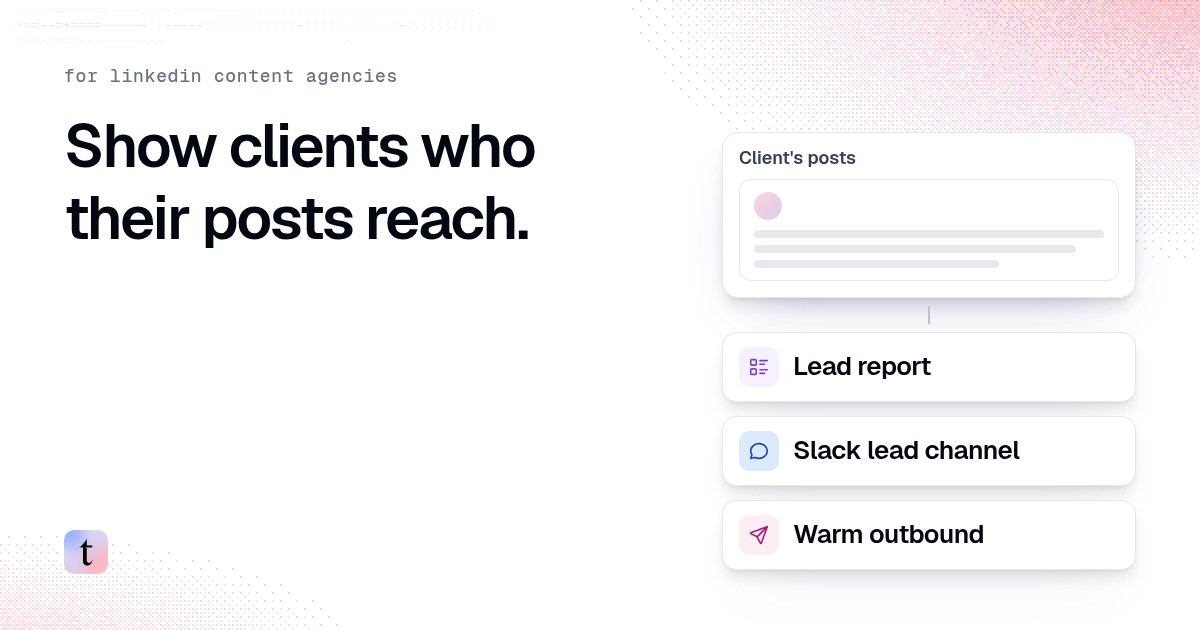
How LinkedIn content agencies use traxy: client lead reports, Slack alerts and warm outbound
Three things a LinkedIn content agency can add to a retainer: a monthly lead report, a Slack channel for the client's sales team, and warm outbound.
How to show clients which LinkedIn posts brought in leads
Impressions do not renew retainers. Build a client report that names the qualified leads each LinkedIn post brought in, with a template you can copy.