
How to show clients which LinkedIn posts brought in leads
Impressions do not renew retainers. Build a client report that names the qualified leads each LinkedIn post brought in, with a template you can copy.

To show a client what their LinkedIn posts brought in, report named people instead of reach. List each qualified lead with their role, company, how well they fit the client's ideal customer profile, and the post they engaged with. Report meetings and revenue separately, using the client's own CRM or calendar.
What should a LinkedIn client report show besides impressions?
Impressions, reactions and follower growth tell a client that content is being seen. They do not tell the client whether the right people are paying attention, and they are what the client already sees in their own analytics.
A report that helps a client decide to keep paying has four parts:
Named leads. People who engaged and fit the client's ideal customer profile.
The source post. The post that brought each person in.
Fit and evidence. How well the person matches the criteria, and what they did.
Patterns. Which topics and formats attract buyers, and which attract peers.
Keep reach in the report as context. It explains why a post got attention. The lead list shows who the attention came from.
How do you find the leads behind a client's posts?
You need the client's content sources in Traxy and criteria that describe the client's buyers.
Follow the client's sources. Add the founder, any executives who post, and the company page. Traxy checks the profiles you follow twice a day. Ongoing checks cover the five most recent posts published after a profile was added. See the docs page on following people, posts and companies.
Set the lead criteria. Describe the roles and company types the client sells to. A qualified lead needs an ICP match of at least 50 percent. A criteria set that is too wide fills the report with people who will never buy. See lead criteria.
Request an older or one-off post. If the client had a strong post before you started, add that post by its link. Review the scope before you confirm. Candidate counts describe people to evaluate, not a promised number of qualified leads.
You do not need the client's LinkedIn login to follow public activity. Discovery does not require connecting a LinkedIn account.
How do you see which posts brought in the most leads?
Open Posts to inspect each post and its qualified leads, and compare the counts across posts. Open a post to see the people behind its count. Open a lead to see the role, company, ICP match, and signals, with source links where available.
Insights shows lead volume, trends, audience patterns and top profiles or posts. Some workspaces still label it Performance. A profile scan, a post engagement and a delivered qualified lead are different events, and several posts can include the same person. Post-level counts may not add up to a unique lead total, so say so in the report when you present both.
For each lead, read the signal label. Warm means a direct signal relevant to the client's offer. Related is contextual evidence. Activity is a weaker link. Use the strongest labels to decide who the client's sales team should look at first. The guide to LinkedIn engagement signals covers how to interpret them.
What goes in the monthly lead report?
Use one table per client. Copy this and fill it from the leads you reviewed.
Lead | Role and company | ICP match | Post that brought them in | What they did | Suggested owner | Status |
|---|---|---|---|---|---|---|
Name | Title, company | Percent from the lead card | Post title and date, with link | Commented, reacted or reposted | Client sales rep | New, contacted, in conversation, not a fit |
Then add three short sections:
Top posts by qualified leads. The posts that brought in the most fit people this month, with a line on why.
Audience mix. Who is engaging, by title, company type or other breakdowns your workspace shows.
Next month. The topics to write more of, and the ones to retire.
Export the leads when the client wants a file. Choose the columns when you export, and review the selection before you start. The post link can come from the lead's signal source.
How should you report meetings and revenue?
Report them separately, and take them from the client's own systems. An agency usually cannot see the client's CRM or calendar, so ask the client for outcomes and label them as the client's numbers.
Traxy can attribute meetings to its leads when a calendar is connected under Meetings and outcomes. That depends on the workspace owner connecting a calendar, so check who owns it before you promise it. Do not tie a meeting to a single post unless the client's CRM records that link.
How do you use the report to plan next month's content?
Look at which posts brought in fit leads and what they had in common. A topic that attracts buyers deserves more posts. A topic that gets many reactions but few qualified leads is reaching peers, which can still be fine for brand, but it is a different goal.
Share the lead list with the client's sales team during the month, not only at the end. A lead from three weeks ago is warmer than one from three months ago. Our guide to running content across several clients covers how agencies set up workspaces and routines for this.
What does this report not prove?
A named lead is a person who engaged and fits. It does not establish budget, timing or intent to buy. A like from the right person is a reason for the client's team to take a look.
Say that in the report. A client who understands the limits trusts the numbers more, and the lead list becomes a working document for their sales team. For metric standards beyond leads, see our LinkedIn client reporting benchmarks. To understand the ROI conversation from the agency's side, read how a LinkedIn content agency proves ROI and beats the six-month churn cliff.
Frequently asked questions
Can I see leads from a client post published before we started?
Yes. Request that post by its link, review the scope, and confirm. Ongoing checks only cover the five most recent posts published after a profile was added.
How often does Traxy check the client's profile?
Twice a day.
Do I need the client's LinkedIn login?
No. Discovery does not need a LinkedIn connection.
Can I export the leads for the client?
Yes. Choose the columns and review the selection before you export.
Should the report include booked meetings?
Only if they come from the client's CRM or calendar, and labeled as the client's numbers.
What if a post gets many reactions and no qualified leads?
It reached people who do not match the client's criteria. That tells you something about the topic, and it is useful for planning.
Can one agency run this for several clients?
Each client can have a separate workspace, with members and roles managed in members and workspaces.
See the report on a client page
Book an agency demo and bring one client's LinkedIn page.
Keep reading
All LinkedIn for Agencies guides
LinkedIn for Agencies: The Complete Guide (2026)
LinkedIn for agencies: how to run multi-client lead generation, content operations, automation, and signal-based prospecting at scale in 2026.
How LinkedIn content agencies use traxy: client lead reports, Slack alerts and warm outbound
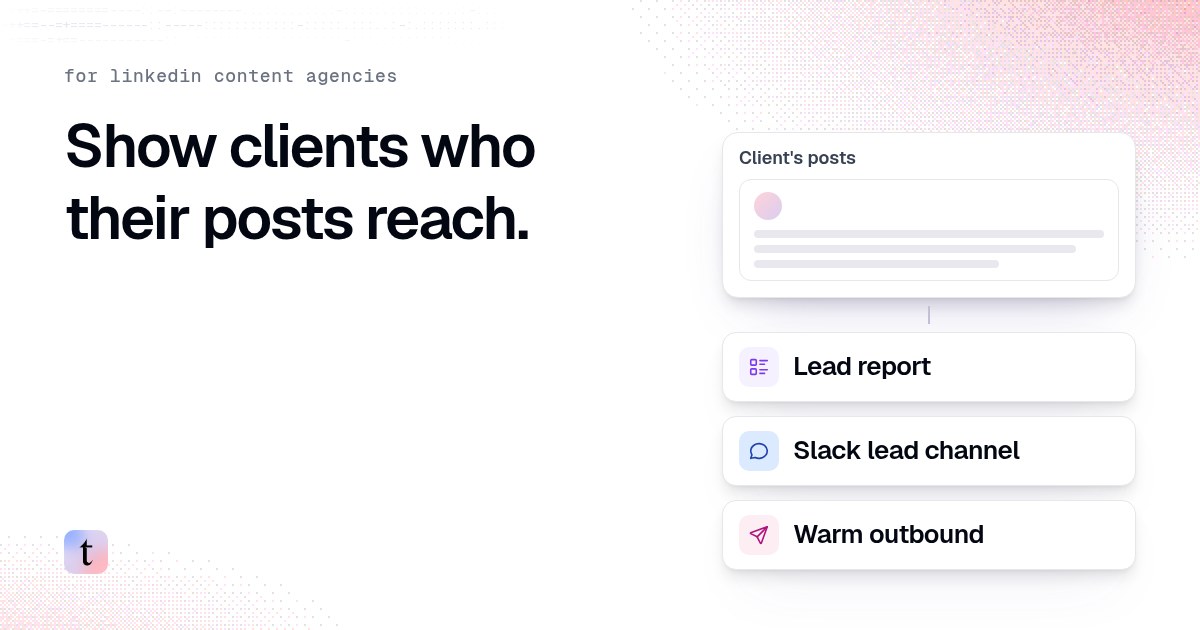
Three things a LinkedIn content agency can add to a retainer: a monthly lead report, a Slack channel for the client's sales team, and warm outbound.

How to send a client's LinkedIn leads to their sales team in Slack
Connect Slack in the client's traxy workspace, save a shared view, route it to the client's channel, send a test and name one owner for every alert.