TL;DR
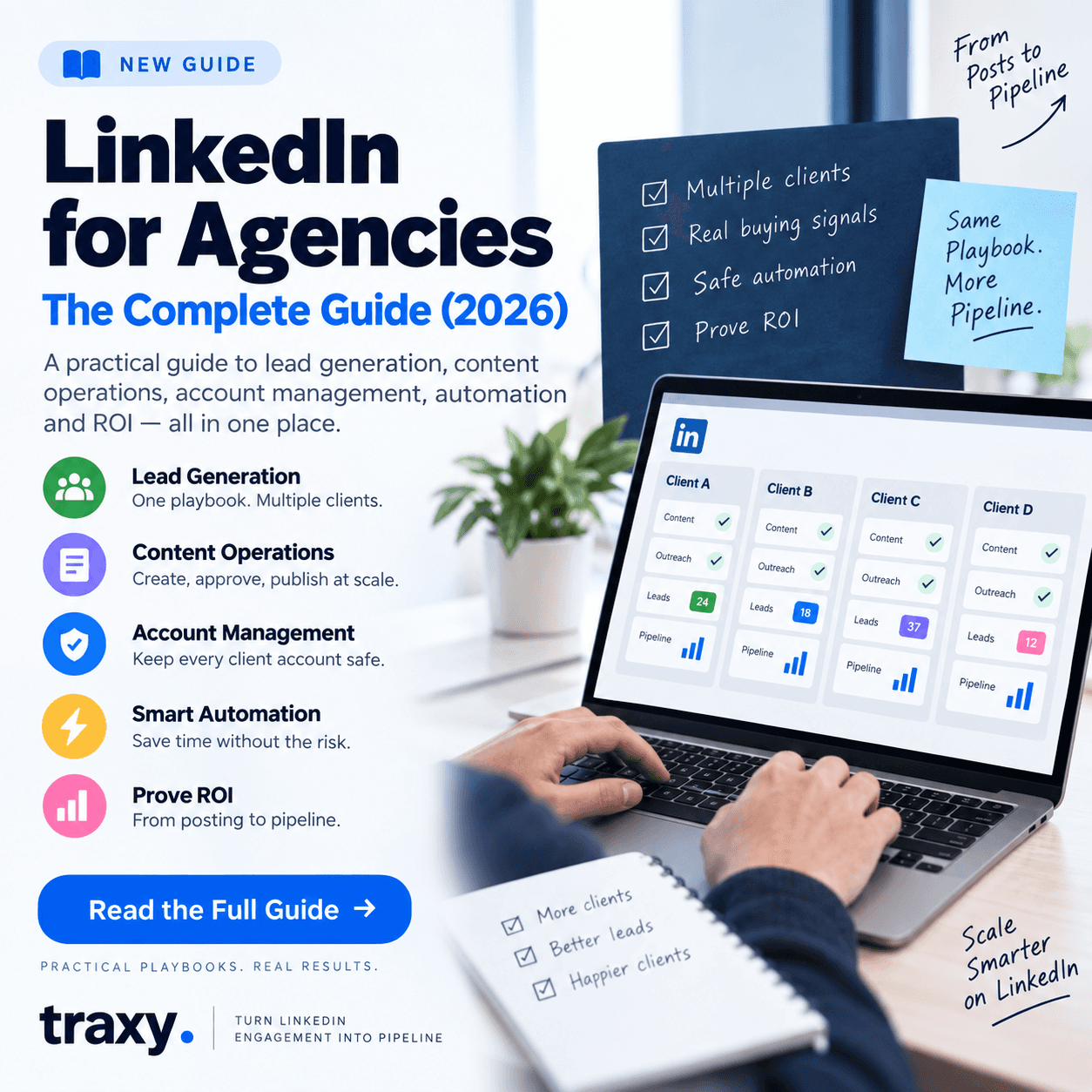
LinkedIn for agencies is a different job from LinkedIn for a single brand. Agencies have to generate leads for several clients at once, run content for multiple executives, keep every account safe, and prove ROI client by client. The agencies that scale do three things well: they standardize operations across clients, they automate carefully without risking accounts, and they prioritize prospects by real buying signals instead of volume. This guide links every playbook we've published on each of those jobs.
Why LinkedIn Is Different for Agencies
A brand's LinkedIn team optimizes one company page, one set of executives, and one ICP. An agency multiplies all of that: different ICPs, different voices, different approval chains, and different definitions of success, often run by the same small team. That creates four problems a single brand rarely faces:
Operational sprawl. Every new client adds accounts, content calendars, and reporting that has to be managed without dropping quality.
Account risk. Aggressive automation across many client profiles multiplies the chance of restrictions, and one flagged account can cost a client relationship.
Proving ROI. Clients pay for pipeline, not impressions, so agencies need attribution that holds up per client.
Lead quality at scale. Volume-based outreach burns through a client's market fast; agencies need a way to find the prospects who are actually in-market.
1. Build a Repeatable Multi-Client Lead Generation Engine
The foundation is a playbook you can apply to every client with minor changes: ICP definition, targeting, outreach cadence, and reporting. Start with our LinkedIn Lead Generation Playbook for Agencies, then see how signal-based prospecting changes the math in Scaling B2B Lead Generation for Agencies.
2. Run Content Operations Across Clients
Content is what makes outreach land, and it's where agencies lose the most time. A shared process for ideation, drafting, approvals, and publishing keeps quality consistent as you add clients. The full system is in our LinkedIn Content Operations Playbook for Agencies.
3. Manage Multiple Client Accounts Safely
Access, permissions, and account safety become critical once you're operating on behalf of several people. Our step-by-step guide covers setup and governance: How to Manage Multiple Client LinkedIn Accounts as an Agency.
4. Choose Automation That Won't Put Clients at Risk
Automation saves hours, but tools differ widely in how much platform risk they carry. Compare your options in Best LinkedIn Automation Tools for Agencies Managing Multiple Clients, and see how agencies pair engagement intelligence with outreach tools in traxy + Waalaxy: 7 Workflows for Automated Outreach and traxy + Lusha: 7 Ways to Combine & Enrich.
5. Mature Your Clients From Posting to Pipeline
Most clients start with sporadic posting and no attribution. The LinkedIn Social Selling Maturity Model gives agencies a shared language for where each client is and what the next stage requires.
Agency Operating Model at a Glance
Job | What breaks without a system | What good looks like | Start here |
|---|---|---|---|
Lead generation | Every client run differently; results hard to repeat | One playbook, adapted per ICP | |
Content | Missed approvals, inconsistent voice | Shared calendar and approval flow | |
Accounts | Access sprawl, restriction risk | Clear permissions and safe tooling | |
Automation | Hours lost to manual work, or risky tools | Automation matched to risk tolerance | |
Prospect quality | Volume outreach that burns the market | Outreach prioritized by buying signals |
Agency LinkedIn Checklist
Is there one documented playbook every client runs on? If each account is managed from memory, you can't scale or hand work off.
Does every client have a written ICP? Targeting, content, and lead scoring all depend on it.
Are account permissions and automation limits defined per client? Decide risk tolerance before a restriction forces the conversation.
Can you show pipeline per client, not just engagement? Reporting that stops at impressions won't survive a renewal conversation.
Are you prioritizing prospects who are already engaging? Signal-based targeting protects each client's market from over-contact.
FAQ
How do agencies use LinkedIn for lead generation?
Most run a repeatable playbook per client: define the ICP, build targeted lists, publish content from client executives, and run outreach, ideally prioritizing prospects who are already engaging with relevant content. The best agencies report on pipeline per client rather than activity metrics.
How can an agency manage multiple LinkedIn accounts safely?
Use clear access and permission rules, keep automation within conservative limits, and choose tools that don't require risky behavior on client profiles. Our guide to managing multiple client accounts walks through the setup.
What LinkedIn tools do agencies need?
Typically a content and scheduling workflow, a way to manage multiple accounts, an outreach or automation tool matched to your risk tolerance, and a way to identify which prospects are actually in-market. Our comparison of automation tools for agencies covers the options.
How do agencies prove LinkedIn ROI to clients?
By tying engagement and outreach to named leads and pipeline in each client's CRM, rather than reporting impressions or follower growth. Signal-based lead data makes this easier because every lead traces back to a specific action by a specific person.
The Bottom Line
LinkedIn works for agencies when it's run as a system: one playbook, shared content operations, safe account management, and prospecting driven by real buying signals instead of volume. If you're running LinkedIn for several clients and want every engaged, in-market prospect surfaced automatically per client, traxy offers plans built for agencies managing multiple workspaces.