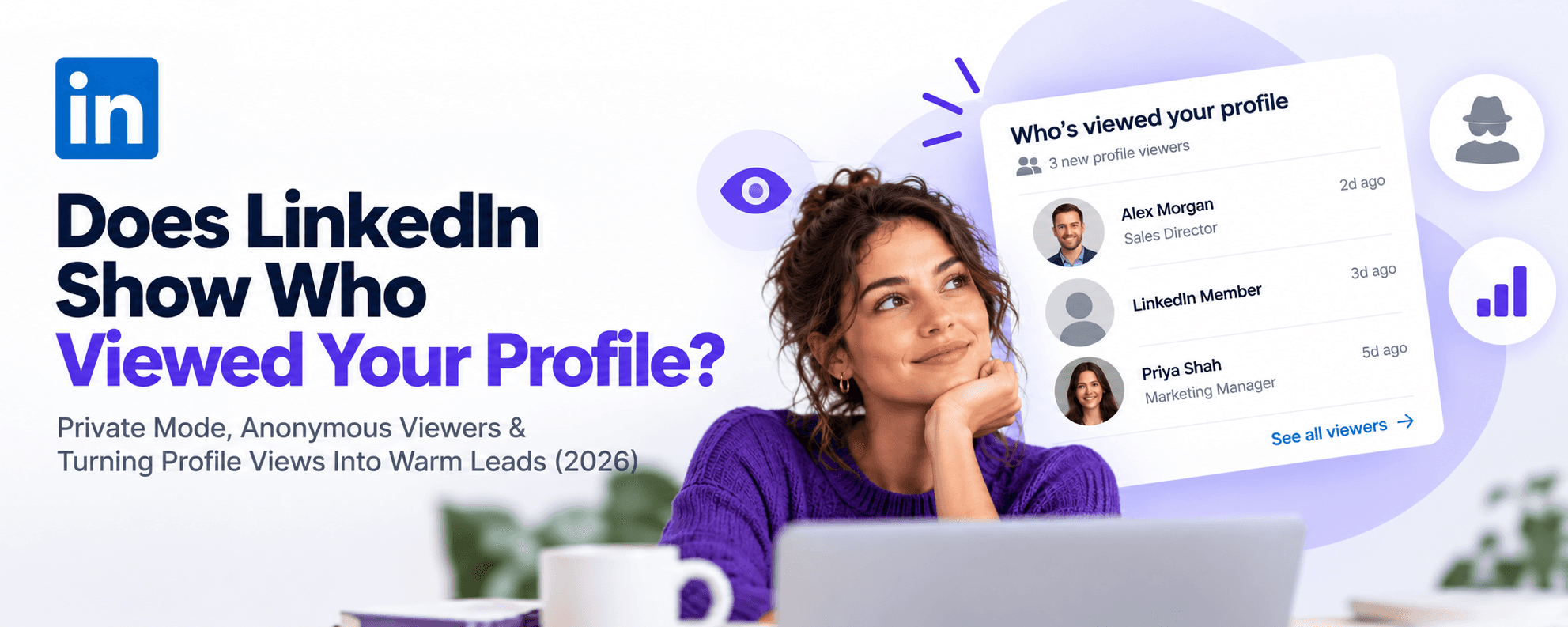
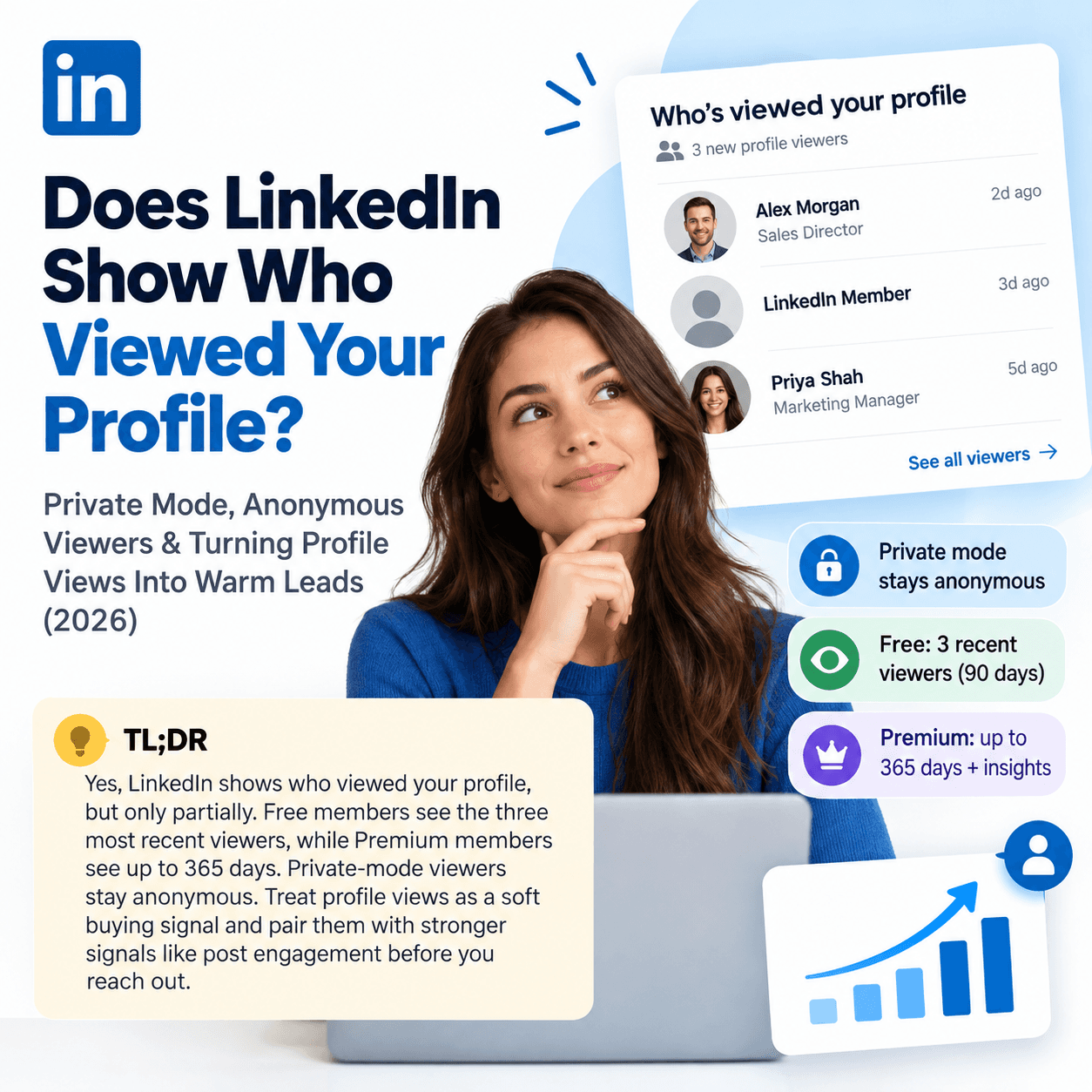
TL;DR: Yes, LinkedIn shows who viewed your profile, but only partially. Free (Basic) members see their three most recent viewers from the last 90 days, while Premium members see up to 365 days of viewer history plus trends and filters. What you see also depends on each viewer's own setting: anyone browsing in private mode appears only as an anonymous LinkedIn Member, and no plan, including Premium or Sales Navigator, can reveal who they are. Treat profile views as a soft buying signal and pair them with stronger, named signals like post engagement before you reach out.
What Is "Who's Viewed Your Profile" on LinkedIn?
Who's Viewed Your Profile is the LinkedIn feature that lists members who recently looked at your profile. You open it from the profile viewers count on your own profile, on desktop or in the mobile app. Each entry shows as much identity as that viewer's privacy setting allows: a full name and headline, a partial description such as a job title or company, or an anonymous placeholder.
Two things decide what you see:
Your account type. Basic (free) or Premium determines how many viewers and how much history you get.
The viewer's profile viewing option. Every member chooses how they appear when they look at other people's profiles.
Can You See Who Viewed Your LinkedIn Profile? Free vs. Premium
Basic (free) | Premium | |
|---|---|---|
Viewer list | Three most recent viewers in the last 90 days | Full list of viewers for up to 365 days |
Insights | Limited | Viewer trends plus filters such as job title, industry and company |
If you browse in private mode yourself | You lose access to your own viewer list | You keep the list of viewers from the last 90 days |
Can you identify private-mode viewers? | No | No |
So the short answer to "can you see who viewed your LinkedIn profile" is: some of them, on any plan, and more of them with Premium. Viewers who chose to stay anonymous stay anonymous for everyone.
LinkedIn Private Mode Explained
LinkedIn private mode is a profile viewing option that hides your identity when you look at other members' profiles. You'll find it under Me → Settings & Privacy → Visibility → Profile viewing options. There are three choices:
Your name and headline: the person sees your name, headline and photo in their viewer list.
Private profile characteristics: they see a description instead of your name, such as a job title, company, school or industry.
Private mode: they see only an anonymous LinkedIn Member.
The trade-off matters. On a free account, switching to either private option turns off your own Who's Viewed Your Profile history, so you give up visibility to get privacy. Premium members keep their viewer list for the last 90 days even while browsing privately.
Two related points people often search for:
LinkedIn private browsing is not the same as an incognito window. Your browser's incognito mode only affects cookies and history on your device. If you're signed in to LinkedIn, the view is recorded according to your profile viewing option, not your browser mode.
Sales Navigator has its own setting. Changing your visibility inside Sales Navigator does not change your visibility on LinkedIn.com, so check both if you prospect in both.
Who Are Anonymous LinkedIn Viewers, and Can You Find Out Who They Are?
A LinkedIn anonymous viewer is a member who viewed your profile using private mode (shown as LinkedIn Member) or private profile characteristics (shown as a description, for example someone in a sales role at a software company).
You can't unmask private-mode viewers. Premium doesn't reveal them, Sales Navigator doesn't reveal them, and tools that promise to do it deserve skepticism: LinkedIn's User Agreement prohibits using bots or scrapers on the platform, which puts your own account at risk.
Semi-anonymous viewers are still useful, though. "Someone at a company on your target account list" is an account-level signal. It won't give you a name, but it can tell you which account to warm up with content and engagement this week.
The Problem: Profile Views Are a Weak, Partial Signal
Profile views feel like intent, and sometimes they are. But as a prospecting signal they have four built-in limits:
Incomplete. Free accounts see only the three most recent viewers, and private-mode viewers never appear by name.
Ambiguous. Recruiters, peers, competitors and the merely curious all show up in the same list as buyers.
No context. You rarely know what prompted the view, so you have nothing specific to reference in outreach.
Manual. Checking the list, researching each viewer and matching them to your ICP doesn't scale past a handful of people a week.
That's why strong B2B teams treat a profile view as one input in a stack of signals rather than a trigger on its own. For the full picture of what counts as intent, see Buyer Intent Signals: The Complete B2B Guide.
LinkedIn Profile Views by the Numbers
3: viewers a free (Basic) member can see, from the last 90 days.
365 days: the viewer history available on Premium.
90 days: the viewer history Premium members keep while browsing in private mode themselves.
3: profile viewing options every member can choose from.
0: plans or settings that reveal who a private-mode viewer is.
Profile Views vs. Other LinkedIn Buying Signals
Signal | Can you identify the person? | Context you get | Signal strength |
|---|---|---|---|
Profile view | Sometimes (depends on their setting and your plan) | None | Low to medium |
Like on your post | Yes, named | The topic of the post | Medium |
Comment on your post or a competitor's post | Yes, named | The topic plus their own words | High |
Repeated engagement from one account | Yes, named | A pattern over time | High |
Trigger event (job change, new funding, hiring) | Yes, named | A reason to reach out now | Medium to high |
The pattern is clear: public engagement on posts beats profile views on every dimension that matters for outreach. It's named, it comes with context, and it isn't hidden by private mode. More on this in What Are LinkedIn Engagement Signals?.
How to Turn LinkedIn Profile Views Into Warm Leads: 5 Steps
Choose your own viewing option on purpose. When you're prospecting, browse with your name and headline visible. Your view then shows up in the prospect's list as a light, non-intrusive first touch, and on a free account you keep your own viewer history.
Review viewers against your ICP every week. Check each named viewer and each "someone at" description against your ideal customer profile and target account list. Ignore recruiters and peers; flag buyers and people at target accounts.
Stack the signal before you act. A viewer who also liked or commented on your posts, or on a competitor's, is far warmer than a viewer alone. Look for two or more signals from the same person or account within a couple of weeks.
Reach out with context, not surveillance. Don't open with "I saw you viewed my profile." Reference the topic you have in common, the post they engaged with, or a relevant trigger event, and offer something useful before asking for time.
Log it and measure it. Tag profile-view-sourced conversations in your CRM so you can see whether they turn into meetings. If they don't, shift your time toward the signals that do.
Frequently Asked Questions
Does LinkedIn show who viewed your profile?
Yes. LinkedIn's Who's Viewed Your Profile feature lists recent viewers, but how much you see depends on your plan and each viewer's privacy setting. Free members see their three most recent viewers from the last 90 days, Premium members see up to 365 days, and private-mode viewers appear only as an anonymous LinkedIn Member.
Can you see who viewed your LinkedIn profile without Premium?
Partially. A free account shows your three most recent viewers from the last 90 days, as long as you browse with your own name and headline visible. If you switch to a private viewing option on a free account, you lose access to your own viewer list.
What is LinkedIn private mode?
Private mode is one of three profile viewing options in Settings & Privacy → Visibility → Profile viewing options. When it's on, people whose profiles you view see only an anonymous LinkedIn Member instead of your name. The middle option, private profile characteristics, shows a description such as your job title or company instead.
If I view someone's LinkedIn profile in private mode, can they see me?
No. They'll see an anonymous LinkedIn Member in their viewer list, even if they pay for Premium or Sales Navigator. The trade-off is that on a free account you can't see your own viewers while private mode is on.
Can you find out who an anonymous LinkedIn viewer is?
No. Neither Premium nor Sales Navigator reveals private-mode viewers, and tools that claim to do so rely on scraping, which LinkedIn's User Agreement prohibits. If the viewer used private profile characteristics, the description (such as a company or industry) is the most you'll get.
Are LinkedIn profile views a buying signal?
They can be, but a weak one on their own. A view from someone at a target account is worth noting, and it becomes a real signal when the same person or account also engages with your posts or a competitor's content.
The Bottom Line
LinkedIn does show who viewed your profile, but only in part: a short list on free accounts, a longer one on Premium, and never the people who chose private mode. That makes profile views a useful nudge and a poor foundation for a pipeline. The signals that hold up are the public ones, named people liking and commenting on posts about the problem you solve, including your competitors' posts, and those are exactly what traxy tracks, matching every engager to your ICP and sending qualified leads to Slack or your CRM, with a 7-day free trial and no credit card required.
Related reading: