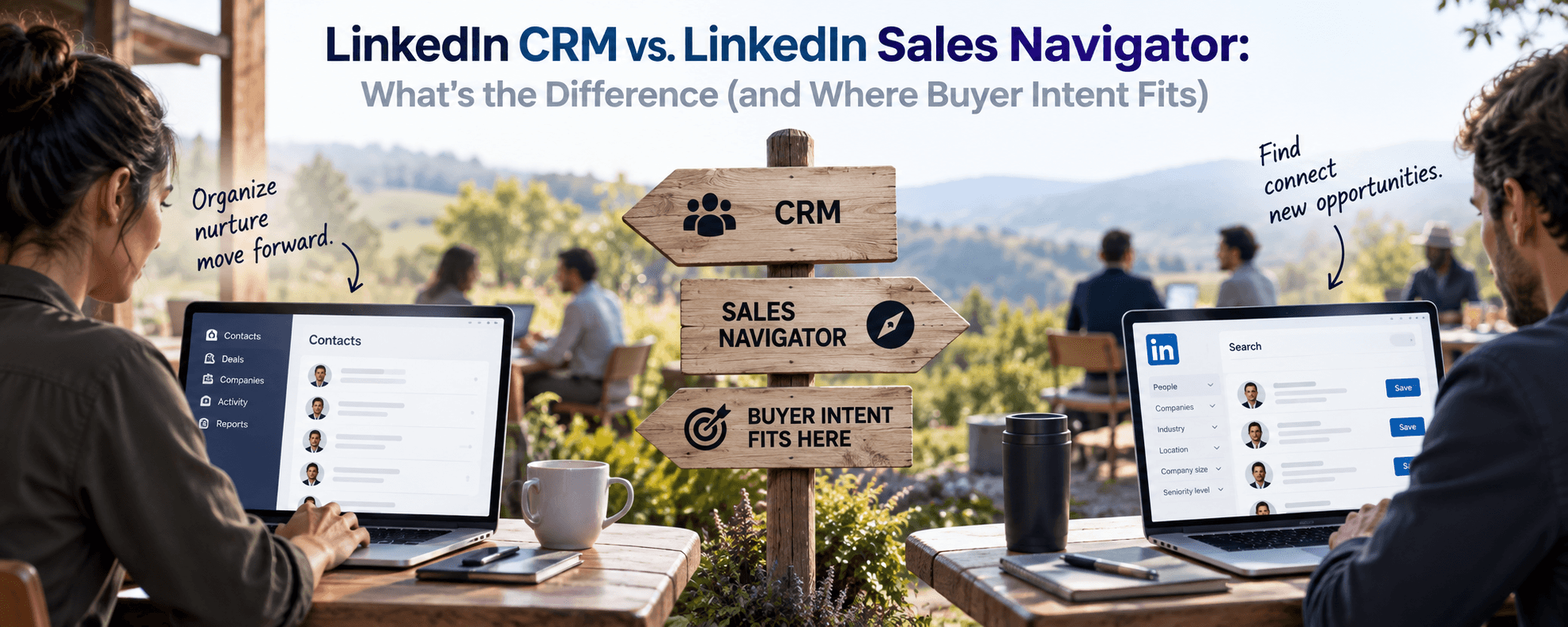
A LinkedIn CRM and LinkedIn Sales Navigator solve different problems, and most sales teams end up needing both. Sales Navigator is LinkedIn's own prospecting product: it helps you search for accounts and contacts on LinkedIn and surfaces built-in signals like Buyer Intent and Account Buyer Intent scores. A LinkedIn CRM is a separate, third-party category of tool — like traxy — built to track engagement (likes, comments, profile views) on your own or your team's LinkedIn activity, turn that engagement into qualified leads, and route those leads into your actual sales CRM (HubSpot, Salesforce, and similar). One helps you find people on LinkedIn; the other helps you act on the people already showing up in your notifications.
What Is a LinkedIn CRM?
A LinkedIn CRM is a tool purpose-built to manage LinkedIn-sourced relationships and turn LinkedIn activity into a working sales pipeline. Unlike a general-purpose CRM (Salesforce, HubSpot, Pipedrive), which is built to store and manage records regardless of channel, a LinkedIn CRM starts from LinkedIn data specifically: who liked or commented on a post, who viewed a profile, who's engaging with a company page, and who fits a defined ideal customer profile.
Most LinkedIn CRMs do three things:
Capture engagement — track likes, comments, shares, and profile activity on specified posts, pages, or profiles.
Qualify it — filter that raw engagement against firmographic and role criteria (title, company size, industry) to separate real buying signals from noise.
Route it — push qualified leads into a team's existing sales CRM or outreach tool, so reps work them like any other pipeline record.
That third step is the part a native LinkedIn product doesn't do on its own: Sales Navigator surfaces signals inside LinkedIn, but a LinkedIn CRM is what gets those signals into a rep's actual workflow.
The Problem: LinkedIn Activity Doesn't Automatically Become Pipeline
A founder or salesperson posts on LinkedIn, gets 40 likes and 6 comments, and has no systematic way to know which of those 46 people are worth a follow-up. Sales Navigator can help a rep search for and research accounts once they know who to look for, and its Buyer Intent and Account Buyer Intent indicators flag accounts showing elevated activity across LinkedIn (page visits, employee engagement, and similar signals LinkedIn tracks natively). But neither feature is built to watch a specific post's engagers in real time, score them against your ICP, and hand a rep a ranked list within your CRM. That gap — between "someone engaged with our content" and "this person is a qualified, actionable lead in our pipeline" — is the specific problem a LinkedIn CRM is built to close.
How a LinkedIn CRM Actually Works
A LinkedIn CRM typically runs as a layer on top of a team's existing LinkedIn presence and existing sales stack, rather than replacing either:
It monitors specified posts, profiles, or company pages for new engagement as it happens.
It enriches each engager with firmographic data (company, title, seniority, industry) pulled from their public profile.
It scores or filters engagers against a defined ideal customer profile, so a VP at a target-sized company surfaces differently than an unrelated commenter.
It pushes the qualified result into a CRM, a Slack channel, or an outreach sequence, so a rep sees a ready-to-work lead instead of a raw notification.
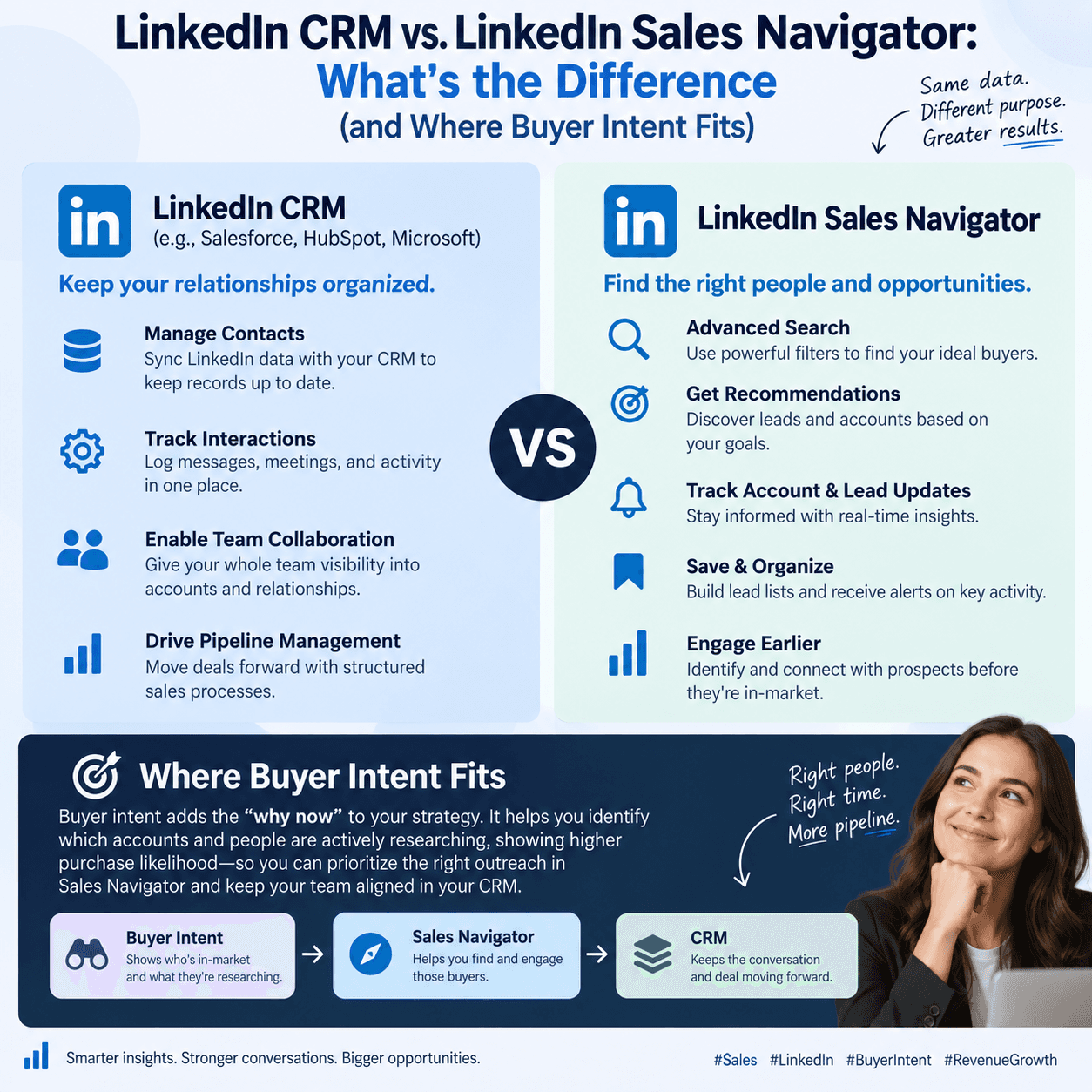
Sales Navigator's Buyer Intent and Account Buyer Intent features work on a different axis: they're built around LinkedIn's own aggregate signals for accounts a rep is already tracking (page visits, content engagement across a company, and similar), surfaced inside LinkedIn's own search and account views. They're genuinely useful for account research and prioritization within Sales Navigator itself. They're not designed to monitor a specific post's engagers and route them into a CRM automatically — that's the gap a dedicated LinkedIn CRM fills.
LinkedIn CRM vs. Sales Navigator vs. a General CRM
LinkedIn CRM (e.g., traxy) | LinkedIn Sales Navigator | General CRM (HubSpot, Salesforce) | |
|---|---|---|---|
Primary job | Turn LinkedIn engagement into qualified, routed leads | Search, research, and prioritize accounts/contacts on LinkedIn | Store and manage customer records across all channels |
Data source | Engagement on your own posts, profiles, or pages | LinkedIn's full member and company graph | Whatever your team manually enters or integrates |
Buyer intent signal | Real-time engagement (likes, comments) scored against your ICP | Native Buyer Intent / Account Buyer Intent scores on tracked accounts | None natively — depends on integrations |
Output | Qualified leads routed into your CRM or outreach tool | A prioritized account/contact list inside LinkedIn | A system of record for deals and contacts |
Best for | Founders and reps who post and want to convert engagers | Reps doing structured account-based prospecting | Managing the full customer lifecycle post-lead |
How to Evaluate a LinkedIn CRM: A Quick Checklist
Does it monitor engagement in real time, or on a delay? A lead who liked a post three days ago is colder than one who liked it three minutes ago — speed matters for outbound timing.
Does it enrich and filter, or just list names? Raw engager lists without firmographic filtering just move the manual-triage problem downstream.
Does it route leads into your existing CRM, or create a new silo? A LinkedIn CRM that doesn't integrate with HubSpot, Salesforce, or your outreach tool adds a step instead of removing one.
Does it work without requiring you to connect a personal LinkedIn account in a way that risks account restrictions? This matters more for teams monitoring multiple profiles at once.
Can it separate signal from noise at your team's volume? A tool that works for a founder's personal posts may not hold up monitoring engagement across a 10-person sales team's combined activity.
FAQ
What is a LinkedIn CRM, and how does it work?
A LinkedIn CRM is a tool that monitors engagement on LinkedIn (likes, comments, profile activity), enriches and qualifies the people behind that engagement against your ideal customer profile, and routes the qualified ones into your sales CRM or outreach workflow — turning passive LinkedIn activity into an active, workable pipeline.
How is a LinkedIn CRM different from LinkedIn Sales Navigator?
Sales Navigator is LinkedIn's own product for searching, researching, and prioritizing accounts and contacts within LinkedIn, including native Buyer Intent and Account Buyer Intent indicators. A LinkedIn CRM is a separate, third-party tool focused specifically on monitoring your own posts or pages for engagement and routing qualified engagers into your existing CRM. Many teams use both: Sales Navigator for outbound account research, a LinkedIn CRM for converting inbound engagement.
Is there a CRM built specifically for LinkedIn prospecting?
Yes — this is exactly the category a LinkedIn CRM occupies. Rather than being a general-purpose system of record, it's purpose-built around LinkedIn engagement data: who engaged, with what, and whether they match your target buyer profile.
Which LinkedIn CRM is best for tracking buyer intent from likes and comments?
Look for one that treats likes and comments as a real-time signal source, not a static export: it should flag engagement as it happens, enrich the person's firmographic details automatically, and score them against your ICP rather than surfacing an unfiltered list.
Can a LinkedIn CRM automatically route qualified prospects into a sales pipeline?
That routing step is the core function of the category, not an add-on. A LinkedIn CRM that only surfaces a list of engagers without pushing the qualified ones into your CRM or outreach tool is solving half the problem.
Where This Leaves Sales Teams
Sales Navigator and a LinkedIn CRM aren't competing for the same job — one helps you find and research accounts inside LinkedIn, the other turns the engagement already happening on your own content into a working pipeline. Teams that rely on Sales Navigator alone for buyer intent are usually missing the engagement already sitting in their notifications: the people who liked, commented, or viewed a profile without ever showing up in a Sales Navigator search. That's the layer traxy is built for, and it's worth a look at traxy.ai for teams whose most qualified leads are already engaging with them on LinkedIn — they just aren't tracking it yet.