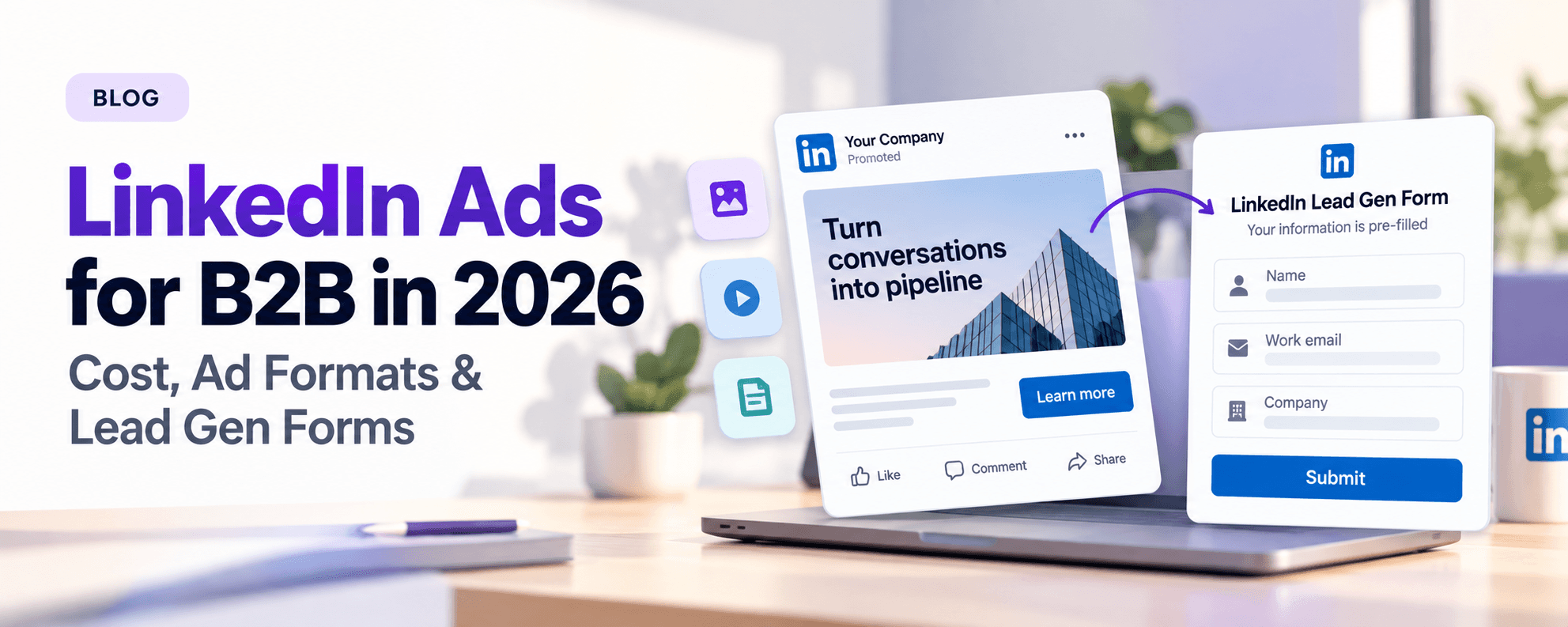
TL;DR: LinkedIn Ads are paid placements you buy in LinkedIn Campaign Manager to reach people by job title, company, seniority, industry and skills. You can start with a $10 daily or $100 lifetime budget, and you pay per click, per 1,000 impressions or per send, depending on your campaign objective and bid strategy. For B2B lead generation, the most direct setup is Sponsored Content (or a Message/Conversation Ad) with a LinkedIn Lead Gen Form attached. The form pre-fills profile data, so prospects can convert without leaving LinkedIn.
What are LinkedIn Ads?
LinkedIn Ads are paid ads that run across LinkedIn's feed, inbox and right rail. You build them in Campaign Manager, LinkedIn's self-serve ad platform. LinkedIn describes itself as the world's largest professional network, with more than 1 billion members in more than 200 countries and territories. What sets it apart from other ad platforms is professional targeting. You choose an audience by job title, job function, seniority, company name, company size, industry, skills and groups, not by interests or demographics.
Every campaign starts with an objective, and LinkedIn groups objectives into three stages:
Awareness: brand awareness
Consideration: website visits, engagement, video views
Conversions: lead generation, website conversions, talent leads, job applicants
The objective decides which ad formats you can use, how LinkedIn optimizes delivery, and what you get billed for.
The problem: B2B buyers are hard to reach, and expensive when you do
Most B2B ad channels make you pick between reach and precision. Search ads only catch people who already know what to type. Broad social platforms reach everyone, but they can't reliably isolate "VP of Sales at a 200–1,000 employee SaaS company." LinkedIn solves the precision problem, but buyers pay for that precision in the auction. That's why "how much do LinkedIn ads cost" is one of the most common questions B2B marketers ask before their first campaign.
The second problem is the hand-off. A click on a LinkedIn ad usually lands on a website form that asks the prospect to type everything LinkedIn already knows about them. Many leave before they finish. Lead Gen Forms were built to close that gap.
How LinkedIn Ads work: formats, bidding and Lead Gen Forms
LinkedIn ad formats
LinkedIn groups its formats into four families:
Family | Format | Where it shows | Best for |
|---|---|---|---|
Sponsored Content | Single Image Ads | Feed | Lead gen, traffic, awareness |
Sponsored Content | Video Ads | Feed | Awareness, video views, consideration |
Sponsored Content | Carousel Ads (2–10 cards) | Feed | Multi-feature or multi-step stories |
Sponsored Content | Document Ads | Feed | Gated guides and reports, often paired with a Lead Gen Form |
Sponsored Content | Thought Leader Ads | Feed | Promoting posts from executives and employees |
Sponsored Content | Event Ads | Feed | Webinar and event registrations |
Sponsored Content | Article and Newsletter Ads | Feed | Promoting long-form thought leadership |
Sponsored Messaging | Conversation Ads (up to 5 CTAs) | Inbox | Choose-your-path offers, demos |
Sponsored Messaging | Message Ads | Inbox | One direct offer with one CTA |
Dynamic Ads | Spotlight Ads, Follower Ads | Right rail (desktop) | Personalized offers, Page follower growth |
Text Ads | Text Ads | Right rail (desktop) | Low-budget traffic tests |
LinkedIn also sells Connected TV Ads and Job Ads, but most B2B pipeline programs run on Sponsored Content and Sponsored Messaging. If you want to amplify posts from your founders or sales leaders, see our guide to LinkedIn Thought Leader Ads.
How LinkedIn Ads cost works
LinkedIn doesn't publish a fixed price list. Every impression is sold in an auction against other advertisers targeting the same audience. Four things drive what you pay:
Minimum budgets. You need at least $10 per day (any ad format) or $100 lifetime for a new campaign.
Objective-based pricing. What you're charged for depends on your objective. For example, with the Website Visits objective you're billed only when someone clicks through to your site.
Billing event. Depending on objective and format, you pay per click (CPC), per 1,000 impressions (CPM) or, for Message and Conversation Ads, per send.
Bid strategy. Maximum delivery lets LinkedIn bid automatically to spend your whole budget. Cost cap sets a target cost per result. Manual bidding sets the maximum you'll pay per billable event. Campaign Manager shows a suggested bid range for your audience before you launch.
Narrow, senior and highly competitive audiences (for example, C-level buyers in software) cost more per result than broad audiences. To turn spend into a cost-per-lead target, use our LinkedIn cost per lead guide. For benchmark ranges, see our LinkedIn lead generation benchmarks.
What are LinkedIn Lead Gen Forms?
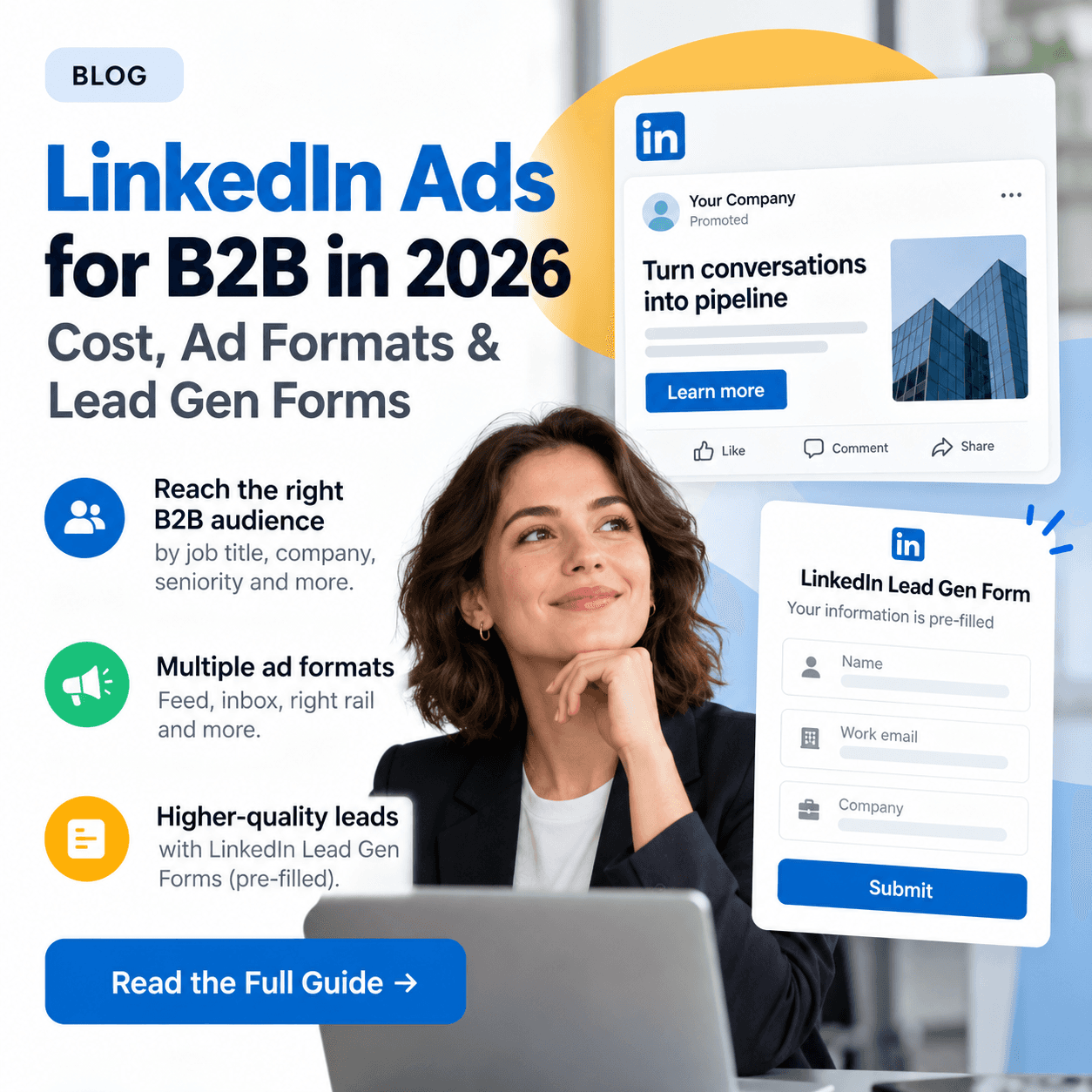
LinkedIn Lead Gen Forms are native forms that open when someone clicks your ad's CTA. They're pre-filled with the member's LinkedIn profile data, such as name, email, job title and company, so the prospect reviews and submits without retyping anything or leaving LinkedIn. Forms run on the lead generation objective. You can attach them to Sponsored Content formats such as single image, video, carousel, document, event and Thought Leader Ads, and to Message and Conversation Ads in the inbox.
LinkedIn's published Lead Gen Form specifications:
Element | Limit |
|---|---|
Form name | 256 characters |
Offer headline | 60 characters |
Offer detail (optional) | 160 characters |
Privacy policy text | 2,000 characters |
Form fields | 12 maximum (LinkedIn recommends 3–4) |
Custom questions | Up to 3, 100 characters each |
Confirmation message | 300 characters |
Landing page URL | 2,000 characters |
You can download leads from Campaign Manager, but LinkedIn only keeps them for 90 days. Most teams connect a CRM or marketing automation integration instead. HubSpot, Salesforce, Marketo and Microsoft Dynamics all offer integrations, and integrations sync new leads from the moment they're connected, so set yours up before launch.
How to set up LinkedIn Lead Gen Forms (step by step)
In Campaign Manager, create a campaign and choose the Lead generation objective.
Define your audience by job title or function, seniority, company size and industry. You can also upload a matched account or contact list.
Pick a format: single image, document, video, carousel, or a Message/Conversation Ad.
Under the ad's lead form section, create a new form. Add the offer headline and detail, your privacy policy URL, and the fields you need. Keep it to 3–4 fields. The offer matters as much as the form, so pick one from our LinkedIn lead magnets guide.
Add hidden fields, such as campaign name or UTM source, so every lead carries its source into your CRM.
Write a confirmation message and link to the promised asset or a booking page.
Connect your CRM integration, set budget and bid strategy, and launch.
The data: LinkedIn Ads numbers that shape your plan
These are the platform facts that most affect a B2B LinkedIn Ads budget and setup, from LinkedIn's own documentation:
Fact | Value | Why it matters |
|---|---|---|
LinkedIn membership | 1B+ members in 200+ countries and territories | Enough reach for niche B2B audiences in most markets |
Minimum daily budget | $10 per campaign, any format | You can test with a small budget |
Minimum lifetime budget | $100 for a new campaign | Fixed-budget pilots are possible |
Carousel Ads | 2–10 cards | Room for multi-step stories |
Conversation Ads | Up to 5 CTAs per message | Lets you offer several paths in one ad |
Video Ads | Up to 30 minutes | Long demos are possible, but short videos are easier to watch |
Lead Gen Form fields | 12 max, 3–4 recommended | LinkedIn advises keeping forms short |
Lead storage in Campaign Manager | 90 days | Without a CRM sync, you lose older leads |
The pattern is clear: LinkedIn makes it cheap to start but expensive to run carelessly. The minimums are low. Senior B2B audiences push prices up in the auction, and leads expire if no one syncs them. The teams that do well treat budget, form design and CRM sync as one system.
LinkedIn Lead Gen Forms vs. landing pages
Lead Gen Form | Landing page form | |
|---|---|---|
Where the conversion happens | Inside LinkedIn | On your website |
Data entry | Pre-filled from the LinkedIn profile | Typed by the prospect |
Mobile experience | Native and short | Depends on your site |
Lead data quality | Profile-backed job title and company | Self-reported |
Website analytics and retargeting | Limited, because the visitor never reaches your site | Full |
Lead storage | 90 days in Campaign Manager, so sync a CRM | In your own stack |
Intent signal | A form fill, often lower-commitment | A deliberate visit plus a form fill |
Lead Gen Forms usually win on volume and cost per lead. Landing pages usually win on lead intent and site-side analytics. Many B2B teams use forms for top-of-funnel content offers and landing pages for demo requests.
LinkedIn Lead Gen Form examples and best practices
Here are three proven LinkedIn lead gen form examples:
Gated report (Document Ad + form): Show the first pages of a benchmark report in the feed. Gate the full PDF behind a 3-field form (name, work email, company).
Webinar registration (Event Ad + form): Pre-filled registration with one custom question, "What's your biggest challenge with X?" The answer gives sales context.
Demo request (Conversation Ad + form): Offer two paths, "See a 2-minute product tour" or "Book a demo." Attach the form only to the demo path so that list stays high-intent.
Checklist: 5 LinkedIn Lead Gen Form best practices
Keep it to 3–4 fields. That is LinkedIn's own best-practice recommendation, and every extra field adds friction.
Use one qualifying custom question, not three. Pick the one that tells sales whether to call.
Pass hidden fields. Campaign, ad and UTM values let you measure cost per opportunity, not just cost per lead.
Sync to your CRM before launch. Leads expire from Campaign Manager after 90 days, and integrations don't backfill older leads.
Follow up while the lead is warm. Route new form fills to sales immediately, with the ad and offer they converted on.
Turning form fills into pipeline
A form fill tells you someone traded an email for an asset. It doesn't tell you they're in-market. The B2B teams that get pipeline from LinkedIn Ads pair paid conversions with organic engagement signals: who from the same account is commenting on competitor posts, reacting to category influencers or engaging with your team's content. When a Lead Gen Form lead's company is also showing active engagement on LinkedIn, that lead deserves a same-day call.
To prove what that pipeline is worth, measure it with our LinkedIn ads ROI guide. To re-engage form fillers who didn't book a meeting, use the LinkedIn retargeting B2B playbook.
FAQ
What are LinkedIn Ads?
LinkedIn Ads are paid placements in the LinkedIn feed, inbox and right rail, bought through Campaign Manager. They let you target professionals by job title, function, seniority, company, industry and skills. Formats include Sponsored Content (image, video, carousel, document, event and Thought Leader Ads), Sponsored Messaging (Message and Conversation Ads), Dynamic Ads and Text Ads.
How much do LinkedIn ads cost?
There's no fixed price. LinkedIn sells ads in an auction, and you pay per click, per 1,000 impressions or per send, depending on your objective and format. The minimum is $10 per day or $100 lifetime per campaign. Senior, narrowly targeted B2B audiences cost more per result than broad ones, and Campaign Manager shows a suggested bid before you launch.
What are LinkedIn Lead Gen Forms?
LinkedIn Lead Gen Forms are native forms, pre-filled with the member's profile data, that open when someone clicks your ad. Prospects can submit without leaving LinkedIn. They run on the lead generation objective and support up to 12 fields and 3 custom questions.
What's the difference between LinkedIn lead ads and Lead Gen Forms?
"LinkedIn lead ads" is the common name for any LinkedIn ad running the lead generation objective with a Lead Gen Form attached. The ad is the creative people see (a single image, document, video or message). The Lead Gen Form is the pre-filled form that captures their details.
How do I get LinkedIn Lead Gen Form leads into HubSpot or my CRM?
Connect your LinkedIn Ads account through your CRM's LinkedIn integration. HubSpot, Salesforce, Marketo and Microsoft Dynamics all offer one, or you can use a connector such as Zapier. Do it before launch: integrations sync new leads from the moment they're connected, and Campaign Manager only stores leads for 90 days.
Related reading
The takeaway
LinkedIn Ads give B2B teams the most precise professional targeting of any ad platform. Lead Gen Forms turn that precision into contacts with little friction. Budget deliberately, keep forms short, sync your CRM before day one, and treat every form fill as the start of qualification, not the end. If you want to know which of those leads are actively engaging with your market on LinkedIn right now, traxy surfaces the buyers behind the engagement and routes them straight to your sales workflow.