LinkedIn ROI Calculator: How to Measure Content Performance
You're posting on LinkedIn three times a week. You're getting likes, comments, even some shares. Your CEO asks: "What's the ROI on all this LinkedIn content?"
And you freeze.
Because impressions don't pay the bills. Follower counts don't close deals. And "brand awareness" is what you say when you can't prove revenue impact.
Here's the thing — LinkedIn content absolutely drives pipeline. But most teams have zero framework for measuring it. They track vanity metrics, ignore the signals that actually matter, and can't connect a single post to a single dollar.
That changes today.
This guide gives you a practical LinkedIn ROI calculator framework. No spreadsheets with 47 tabs. No made-up attribution models. Just a clear way to measure whether your LinkedIn content is actually generating revenue.
Why Most LinkedIn ROI Calculations Are Wrong
The biggest mistake teams make is measuring LinkedIn content the same way they measure paid ads. Clicks, impressions, CTR — that's a paid media framework forced onto an organic channel.
LinkedIn content doesn't work like a Google Ad. Nobody reads your post about sales hiring, clicks a link, and buys your product in the same session. That's not how B2B works.
Instead, LinkedIn content works like this:
1. Someone sees your posts repeatedly over weeks or months
2. They engage — a like here, a comment there
3. They start recognizing your name and associating you with a topic
4. When they have a relevant need, you're top of mind
5. They reach out, reply to outreach, or convert faster because they already trust you
This is a long-cycle, multi-touch process. If you try to measure it with last-click attribution, you'll always conclude that LinkedIn content doesn't work. And you'll be wrong.
The LinkedIn Content ROI Framework
Here's a framework that actually captures the value LinkedIn content creates. It has three layers, and you need all three.
Layer 1: Activity Metrics (Leading Indicators)
These don't measure ROI directly. They tell you whether your content engine is running.
**Post frequency:** How many times per week are you posting?
**Impressions per post:** Are people seeing your content?
**Engagement rate:** (Likes + Comments + Shares) / Impressions
**Follower growth rate:** Are you building an audience in your target market?
**Benchmark targets:**
Posting 3-5x per week
2-5% engagement rate (anything above 3% is strong)
Consistent follower growth of 2-4% per month
These are table stakes. If your activity metrics are low, nothing else matters because nobody is seeing your content. But if they're high and you stop here, you're measuring effort, not results.
Layer 2: Engagement Quality Metrics (The Missing Middle)
This is where most teams drop the ball. They track how much engagement they get but never ask: **who is engaging?**
Getting 200 likes on a post means nothing if none of those people are in your ICP. Getting 12 comments means everything if 8 of them are VP-level buyers at target accounts.
Here's what to track:
**ICP engagement rate:** What percentage of your engagers match your ideal customer profile?
**Engagement-to-conversation rate:** How many engagers turn into DM conversations or inbound inquiries?
**Profile view quality:** Are the people viewing your profile actually potential buyers?
**Repeat engagement rate:** How many people engage with your content multiple times? (This signals real interest, not just algorithmic drive-bys.)
**This is exactly the problem traxy solves.** traxy sits on your LinkedIn profile, tracks every engagement, and automatically qualifies engagers against your ICP. Instead of manually checking who liked your post and cross-referencing with LinkedIn Sales Navigator, traxy scores each engager and pushes qualified leads directly to your CRM. The difference between knowing "I got 150 likes" and knowing "12 qualified buyers from target accounts engaged with my content this week" is the difference between guessing and selling.
Layer 3: Revenue Metrics (The Bottom Line)
This is what your CEO actually wants to know.
**Pipeline influenced by LinkedIn:** How many deals in your pipeline had touchpoints with your LinkedIn content?
**Revenue attributed to LinkedIn:** Of closed-won deals, how many had LinkedIn engagement in the buyer's journey?
**Deal velocity impact:** Do deals where the buyer engaged with your content close faster?
**Customer acquisition cost (CAC) from LinkedIn:** Total content investment / customers acquired through LinkedIn
How to Calculate Each One
**Pipeline influenced by LinkedIn:**
```
Pipeline Influenced = Sum of deal values where at least one
decision-maker engaged with your LinkedIn content before entering pipeline
```
This requires tracking engagement at the account level, not just the post level. When a VP at a target account comments on your post and that account enters your pipeline 3 weeks later — that's LinkedIn-influenced pipeline.
**Revenue attributed to LinkedIn:**
```
LinkedIn Revenue = Closed-won deals where buyer engaged
with your content ÷ Total closed-won revenue × 100
```
Most teams find that 15-40% of their pipeline has LinkedIn touchpoints once they start tracking properly.
**Deal velocity impact:**
```
Velocity Impact = Average days to close (no LinkedIn engagement)
Average days to close (with LinkedIn engagement)
```
We've seen companies report 20-30% shorter sales cycles when buyers have engaged with their LinkedIn content. Makes sense — they already trust you before the first call.
**LinkedIn CAC:**
```
LinkedIn CAC = (Content creation cost + Tool costs + Time investment)
÷ New customers acquired via LinkedIn
```
Compare this to your paid ads CAC. For most B2B companies, LinkedIn organic content CAC is 3-5x lower than paid acquisition.
The Simple LinkedIn ROI Formula
If you want one number to rule them all:
```
LinkedIn Content ROI = (Revenue Attributed to LinkedIn - Total LinkedIn Investment)
÷ Total LinkedIn Investment × 100
```
**Total LinkedIn Investment includes:**
Time spent creating content (your hourly rate × hours per week)
Tools and software (scheduling, analytics, engagement tracking)
Agency or ghostwriter costs (if applicable)
Sales team time spent on LinkedIn engagement
**Example calculation:** Let's say you're a B2B SaaS company:
Monthly content investment: $3,000 (your time + tools + ghostwriter)
Deals influenced by LinkedIn this month: 5
Average deal size: $12,000
LinkedIn attribution rate: 30% (conservative)
```
LinkedIn Revenue Credit = 5 deals × $12,000 × 30% = $18,000
LinkedIn ROI = ($18,000 - $3,000) / $3,000 × 100 = 500%
```
Even with conservative attribution, that's a 5x return. And it compounds — every post lives on your profile forever, building trust with future buyers.
How to Set Up LinkedIn ROI Tracking (Step by Step)
Step 1: Define Your ICP Clearly
You can't measure engagement quality if you don't know what a qualified engager looks like. Define:
Job titles that buy from you
Company size range
Industry
Geography (if relevant)
Step 2: Track Engagement at the Account Level
Stop counting total likes. Start tracking which accounts are engaging.
**Manual method:** Export your post analytics weekly, cross-reference engagers with your target account list, log matches in a spreadsheet.
**Automated method:** Use traxy to automatically qualify every engager against your ICP and push qualified leads to your CRM. This turns a 2-hour weekly process into something that happens in real time with zero effort.
Step 3: Tag Deals in Your CRM
Add a "LinkedIn Influenced" field to your CRM deal records. When a deal enters your pipeline, check whether any stakeholders from that account engaged with your LinkedIn content. Tag it. This is the critical step most teams skip. Without CRM tagging, you'll never connect content to revenue.
Step 4: Build a Monthly Dashboard
Track these numbers monthly:
| Metric | Target |
|--------|--------|
| Posts published | 12-20 |
| Average engagement rate | >2.5% |
| ICP engagers identified | 20-50 |
| Conversations started from engagement | 5-10 |
| Pipeline influenced by LinkedIn | 3-8 deals |
| LinkedIn-attributed revenue | Track trend |
Step 5: Review and Optimize Quarterly
Every quarter, look at which content types drove the most qualified engagement (not the most total engagement). Double down on what works. Common findings:
**Personal stories** get high engagement but low ICP match
**Tactical how-to posts** get moderate engagement but high ICP match
**Industry hot takes** get high engagement AND high ICP match
**Case studies with numbers** get the highest conversion to pipeline
What About Dark Social?
Here's the uncomfortable truth: a huge percentage of LinkedIn's impact is invisible.
Someone reads your post, doesn't engage, and mentions you in an internal Slack channel. A buyer reads 20 of your posts over 3 months, never likes any of them, and then books a demo. Your post gets screenshotted and shared in a WhatsApp group you'll never see.
This is dark social, and it's a massive chunk of LinkedIn's actual value.
**How to capture it:**
Add "How did you hear about us?" to your demo booking form
Ask in the first sales call: "Were you following our content before reaching out?"
Track direct traffic spikes after high-performing posts
Monitor brand search volume trends alongside posting activity
You won't capture all of it. But even partial dark social tracking usually reveals that LinkedIn is driving 2-3x more pipeline than your analytics show.
Stop Guessing, Start Measuring
LinkedIn content ROI isn't a mystery. It's a measurement problem. And the solution isn't more analytics dashboards — it's tracking the right metrics at each layer.
Activity metrics tell you if your engine is running. Engagement quality metrics tell you if the right people are paying attention. Revenue metrics tell you if it's working.
The teams that nail this don't just justify their LinkedIn investment — they scale it, because they can prove every dollar spent returns multiples.
If you're tired of manually checking who engaged with your posts and guessing whether they're qualified, [traxy](https://traxy.ai) automates the entire engagement quality layer. It qualifies every engager against your ICP in real time and pushes qualified leads to your CRM — so you can finally connect LinkedIn content to pipeline with actual data.
Start measuring what matters. The ROI is there. You just need to see it.
You're posting on LinkedIn three times a week. You're getting likes, comments, even some shares. Your CEO asks: "What's the ROI on all this LinkedIn content?"
And you freeze.
Because impressions don't pay the bills. Follower counts don't close deals. And "brand awareness" is what you say when you can't prove revenue impact.
Here's the thing — LinkedIn content absolutely drives pipeline. But most teams have zero framework for measuring it. They track vanity metrics, ignore the signals that actually matter, and can't connect a single post to a single dollar.
That changes today.
This guide gives you a practical LinkedIn ROI calculator framework. No spreadsheets with 47 tabs. No made-up attribution models. Just a clear way to measure whether your LinkedIn content is actually generating revenue.
## Why Most LinkedIn ROI Calculations Are Wrong
The biggest mistake teams make is measuring LinkedIn content the same way they measure paid ads. Clicks, impressions, CTR — that's a paid media framework forced onto an organic channel.
LinkedIn content doesn't work like a Google Ad. Nobody reads your post about sales hiring, clicks a link, and buys your product in the same session. That's not how B2B works.
Instead, LinkedIn content works like this:
1. Someone sees your posts repeatedly over weeks or months
2. They engage — a like here, a comment there
3. They start recognizing your name and associating you with a topic
4. When they have a relevant need, you're top of mind
5. They reach out, reply to outreach, or convert faster because they already trust you
This is a long-cycle, multi-touch process. If you try to measure it with last-click attribution, you'll always conclude that LinkedIn content doesn't work. And you'll be wrong.
## The LinkedIn Content ROI Framework
Here's a framework that actually captures the value LinkedIn content creates. It has three layers, and you need all three.
### Layer 1: Activity Metrics (Leading Indicators)
These don't measure ROI dir
LinkedIn ROI Calculator: How to Measure Content Performance in 2026
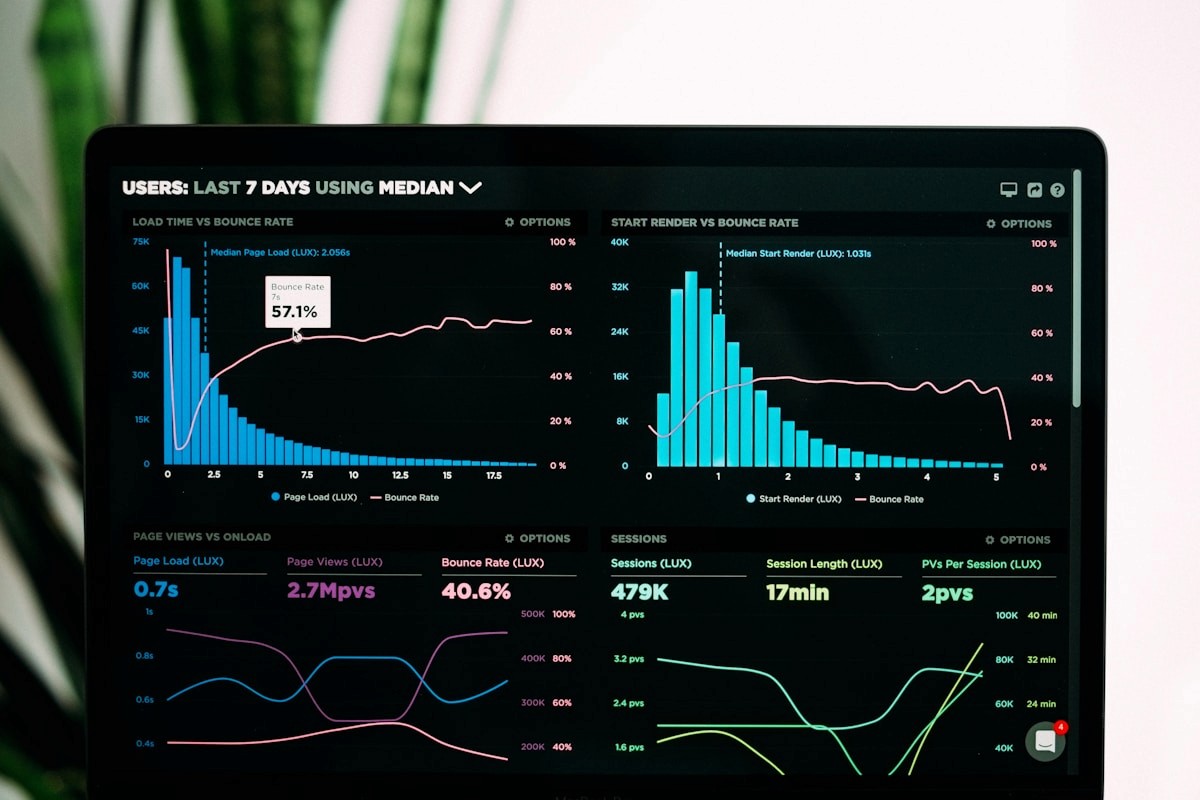
Learn how to calculate LinkedIn content ROI with a simple framework. Stop guessing — track the metrics that actually connect content to revenue.
linkedin-roi-calculator-measure-content-performance